 ReelMorph
EnglishTürkçe
ReelMorph
EnglishTürkçe
ReelMorph
EnglishTürkçe
ReelMorph
EnglishTürkçe
Closed test · Coming soon to Google Play and the App Store
Pick a trending template or your own video, add a photo of a person. ReelMorph puts them into the video in minutes.
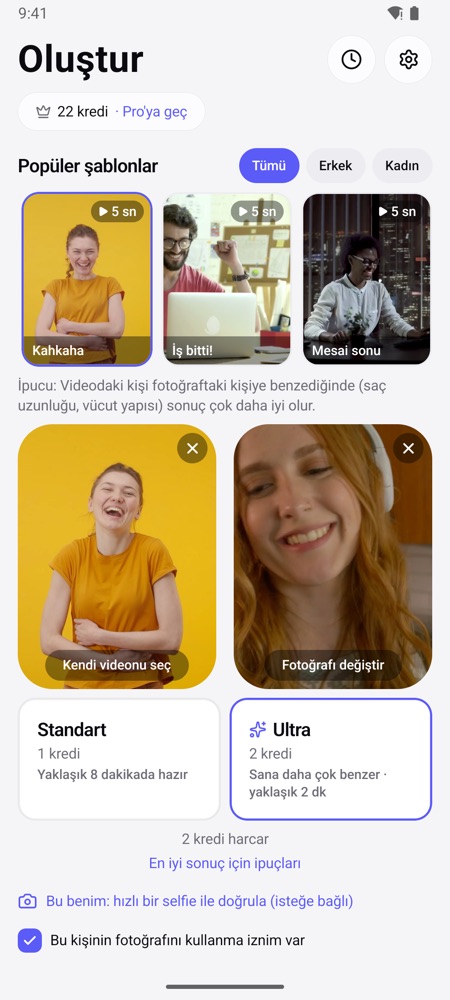
Dance, office, coffee break… pick one and take the lead role.
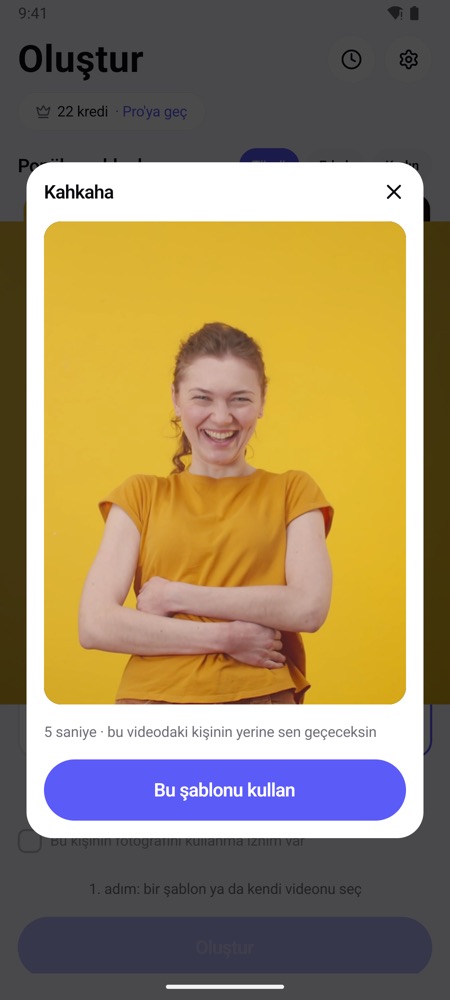
Watch a trending template or pick your own clip. If it's long, choose the part to use right in the app.
Choose a clear photo of one person facing the camera. See a free still preview first, then pick Standard or Ultra.
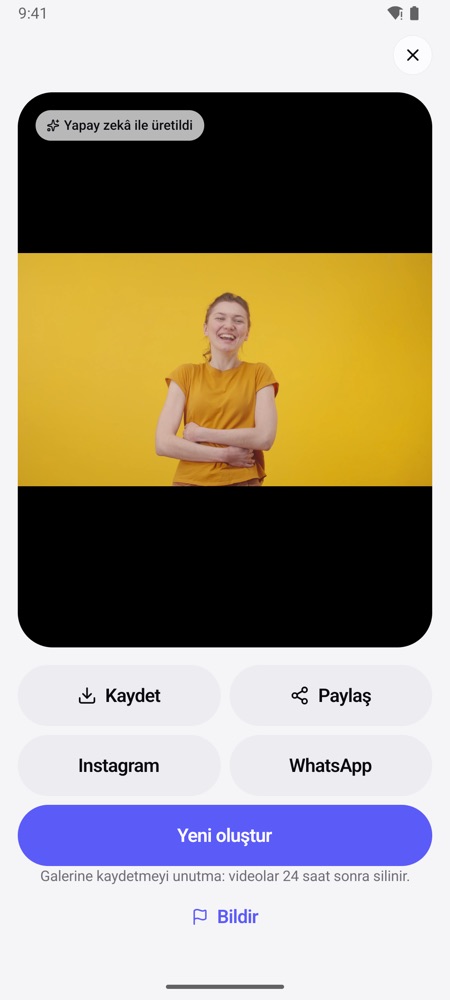
When it's ready, Android notifies you and iPhone keeps it in Recent. Save it or share to Instagram and WhatsApp.
For everyday videos. Ready in about 5–15 minutes.
Up to 5 s = 1 credit, up to 10 s = 2 credits.
The face looks much more like you. Ready in about 1–3 minutes.
Twice the credits of Standard. For Pro and credit-pack users.
Free previews · 3-day free trial on the yearly plan · Extra credits anytime
Uploads are deleted after processing, results after 24 hours. Your photos are never used to train AI.
Nudity, minors and public figures are blocked automatically. Every result is labeled as AI-generated.
You see the cost before you start. If something fails on our side, your credit comes back automatically.
Try ReelMorph before everyone else and help shape it with your feedback. Joining takes 2 minutes and is free.
You need: an Android phone with Google Play and the Gmail account you use in Play.
You need: an iPhone and the email address of your Apple ID.
Questions and feedback: reelmorph.app@gmail.com
No. The app never asks for an email or a password.
Only your own photo or photos of adults who agreed. Celebrities and minors are blocked.
Ultra usually 1–3 minutes, Standard 5–15. You can leave the app: Android notifies you when it's ready, on iPhone it waits in Recent.
Follow the steps in “Become a tester” above: on Android you join yourself in 2 minutes, for iPhone you send us your Apple ID email.